
10 Responsive Design Tips Every Developer Should Know
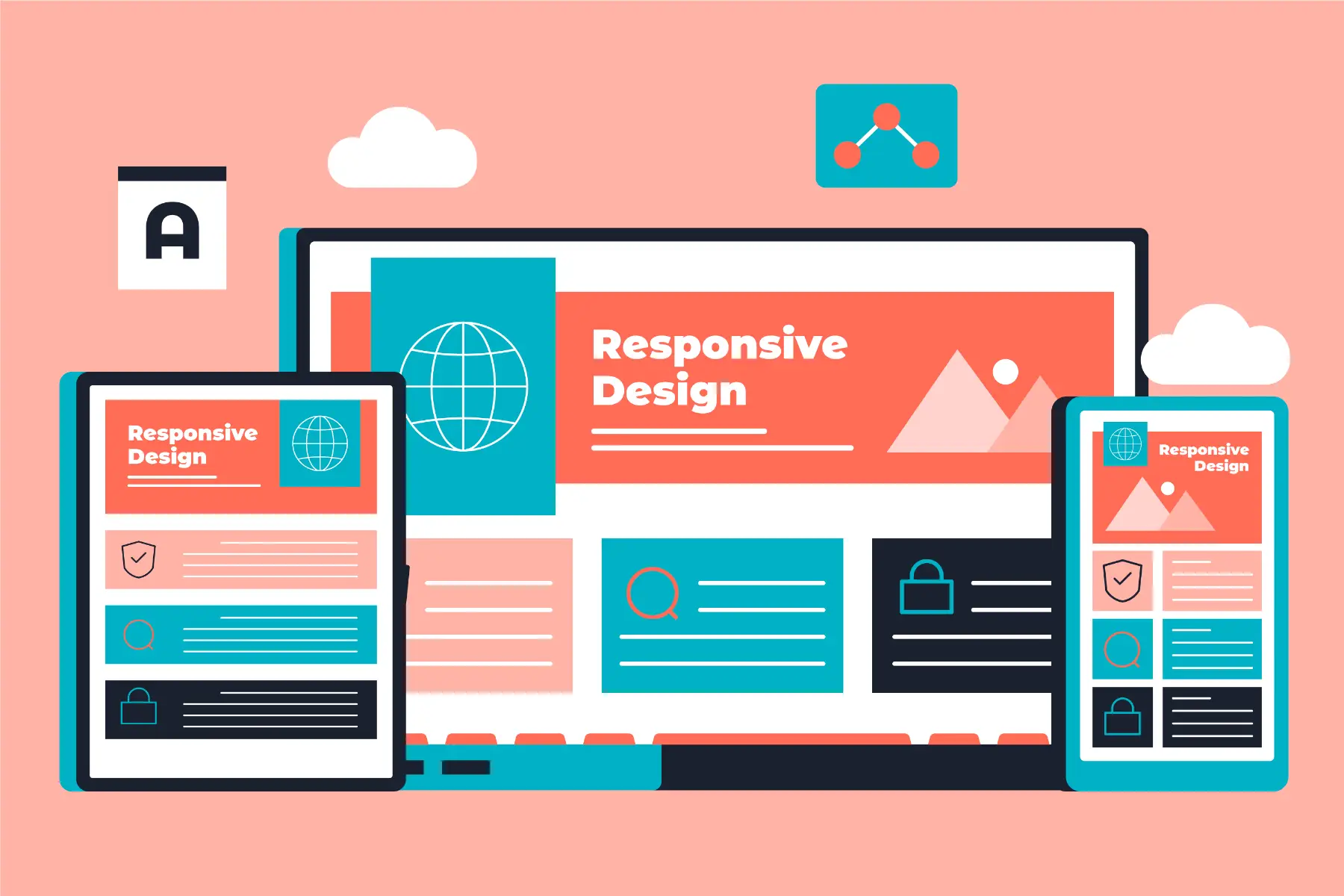
Table of Contents
Introduction
Responsive web design is no longer optional—it's essential. With users accessing websites from smartphones, tablets, laptops, and desktops, your website must adapt seamlessly to every screen size. In 2025, responsive design goes beyond simple layouts; it encompasses performance, user experience, and accessibility.
This comprehensive guide covers 10 essential responsive design tips that every developer should know. Whether you're building a new website or optimizing an existing one, these techniques will help you create mobile-friendly experiences that work perfectly across all devices.
1. Mobile-First Approach
The mobile-first approach has become the gold standard in responsive design. Instead of designing for desktop and scaling down, you design for mobile and scale up. This ensures your core functionality works on the smallest screens.
Benefits of mobile-first design:
- Better Performance: Mobile devices get optimized content
- Improved UX: Focus on essential content and features
- Easier Scaling: Adding content for larger screens is simpler
- Higher Conversion: Mobile users get optimized experiences
Implementation tips:
- Start with 320px-375px viewport as your base
- Prioritize content and features for mobile users
- Use progressive enhancement for larger screens
- Test extensively on actual mobile devices
2. Fluid Grid Systems
Fixed pixel-based layouts don't work in responsive design. Fluid grids use relative units like percentages to create flexible layouts that adapt to any screen size.
Best practices for fluid grids:
- Use CSS Grid: Modern CSS Grid for complex layouts
- Flexbox: Perfect for component-level layouts
- Percentage Widths: Instead of fixed pixel values
- Max-Width Constraints: Prevent layouts from becoming too wide
- Container Queries: New CSS feature for component responsiveness
3. Flexible Images and Media
Images and media can break responsive layouts if not handled properly. They need to scale appropriately while maintaining quality and performance.
Techniques for responsive images:
- Max-Width Property:
max-width: 100%prevents overflow - Responsive Images:
srcsetandsizesattributes - Picture Element: Art direction for different screen sizes
- Lazy Loading:
loading="lazy"for performance - Modern Formats: WebP and AVIF for better compression
4. Responsive Typography
Text readability is crucial for user experience. Responsive typography ensures your text remains readable across all devices and screen sizes.
Responsive typography techniques:
- Viewport Units: Use
vwfor fluid font sizes - Clamp() Function: Set min, ideal, and max font sizes
- Media Queries: Adjust font sizes at breakpoints
- Line Height: Increase line height on mobile devices
- Fluid Typography: Scale fonts smoothly between breakpoints
5. Strategic Breakpoints
Breakpoints are where your layout changes to accommodate different screen sizes. Strategic breakpoint selection ensures your design works well on common devices.
Common breakpoint strategy:
- Mobile: 320px - 767px (portrait phones to tablets)
- Tablet: 768px - 1023px (portrait tablets to small laptops)
- Desktop: 1024px+ (laptops and desktops)
- Large Desktop: 1440px+ (large monitors)
Best practices:
- Base breakpoints on content, not specific devices
- Use relative units (em, rem) for media queries
- Test between breakpoints for smooth transitions
- Consider orientation changes for mobile devices
6. Cross-Device Testing
Responsive design requires thorough testing across multiple devices and browsers. Emulators are helpful, but real device testing is essential.
Testing strategy:
- Real Devices: Test on actual smartphones and tablets
- Browser DevTools: Use device simulation for quick checks
- Cloud Testing: Services like BrowserStack for comprehensive coverage
- Orientation Testing: Test both portrait and landscape modes
- Accessibility Testing: Ensure responsive design works with screen readers
7. Performance Considerations
Responsive design impacts performance significantly. Mobile users, in particular, need fast-loading websites that work well on slower connections.
Performance optimization tips:
- Image Optimization: Compress and use appropriate formats
- Lazy Loading: Load images and content as needed
- Code Minification: Reduce CSS and JavaScript file sizes
- Critical CSS: Inline above-the-fold styles
- Resource Prioritization: Load important content first
8. Common Mistakes to Avoid
Even experienced developers can make responsive design mistakes. Being aware of these common pitfalls will help you create better websites.
Mistakes to avoid:
- Fixed Widths: Using pixel-based layouts that don't adapt
- Ignoring Touch: Designing for mouse interactions only
- Too Many Breakpoints: Over-complicating the responsive system
- Poor Performance: Heavy resources that slow mobile devices
- Accessibility Neglect: Forgetting screen readers and keyboard navigation
9. Modern CSS Features
Modern CSS provides powerful features for responsive design. Leveraging these new capabilities can simplify your code and improve results.
Essential modern CSS features:
- Container Queries: Component-level responsiveness
- CSS Subgrid: Enhanced grid layout capabilities
- Intrinsic Sizing: Better content-based sizing
- Logical Properties: Better internationalization support
- Scroll-Driven Animations: Performance-optimized animations
10. Future-Proofing Your Design
Technology evolves quickly. Building responsive designs that adapt to future devices and screen sizes ensures longevity.
Future-proofing strategies:
- Flexible Architecture: Modular, component-based design
- Progressive Enhancement: Core functionality works everywhere
- Regular Audits: Periodic testing on new devices
- Stay Updated: Follow web standards and best practices
- User Feedback: Monitor how users interact with your design
Conclusion
Responsive web design is a fundamental skill for modern developers. By implementing these 10 tips, you'll create websites that provide excellent user experiences across all devices. Remember that responsive design is not just about making things fit—it's about creating optimal experiences for every user, regardless of their device.
The key is to think mobile-first, use flexible layouts, optimize performance, and test thoroughly. As devices continue to evolve, these principles will remain relevant, helping you create websites that stand the test of time.
Final Thought: Great responsive design is invisible—users don't notice the technology; they just enjoy a seamless experience that works perfectly on their device.